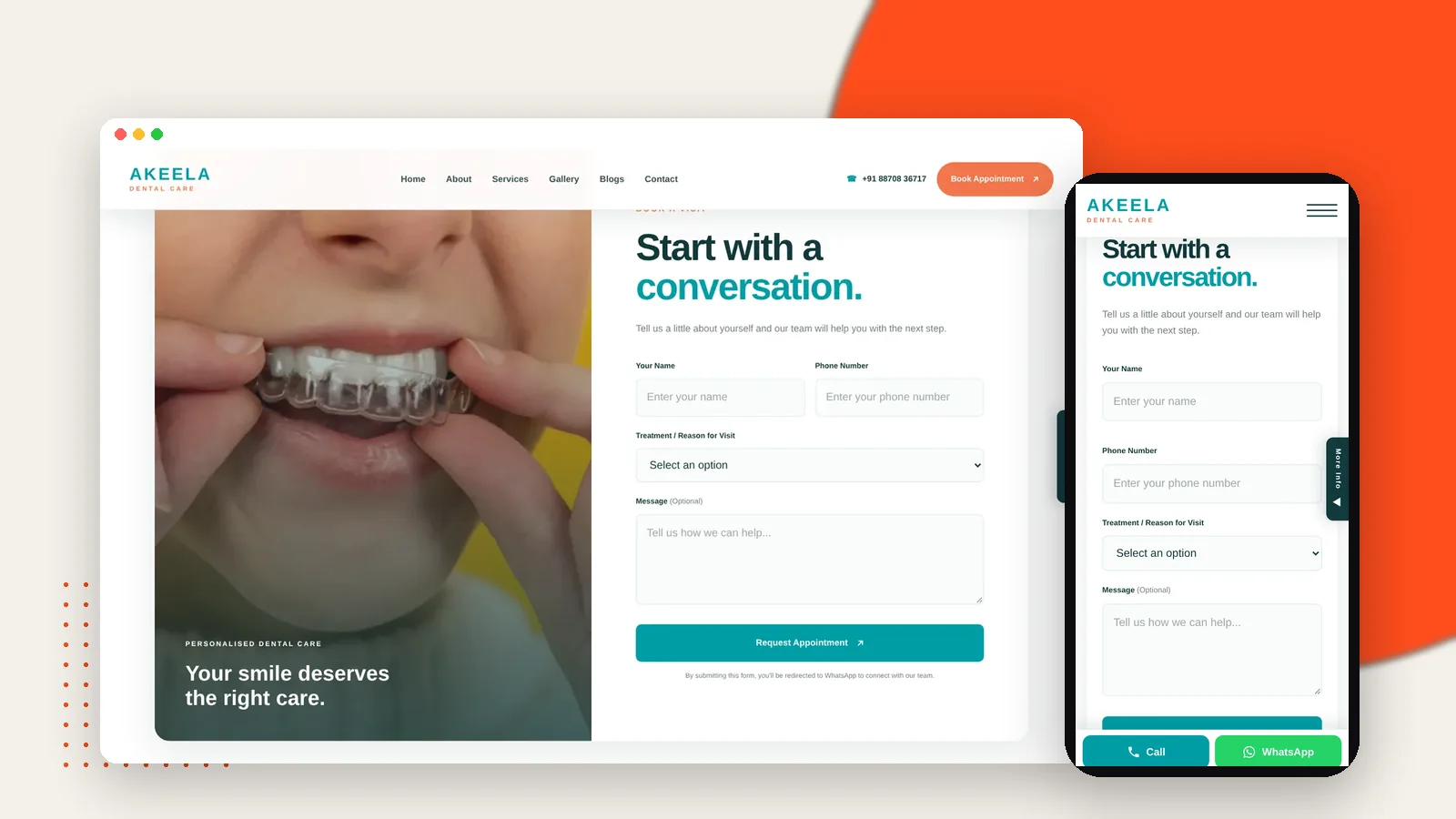
Akeela Dental Care – WhatsApp Booking Automation
Appointment requests that arrive in WhatsApp with the patient's details, ready for the clinic to confirm.
- The problem
Appointment requests were missed during busy clinic hours.
- The solution
A short booking form that opens WhatsApp with the request filled in, plus call and WhatsApp buttons on every page.
- The result
Every request reaches the clinic on WhatsApp with the patient's details, ready to confirm in one reply.
01The challenge
A dental clinic is busiest exactly when patients try to call. Phones rang during treatments, enquiries got buried, and appointment requests were slow to answer. Every missed call is a patient who might book somewhere else.
02My approach
Use the app patients already use every day. Instead of a long form that waits for a call back, the booking asks for four things and hands the request straight to WhatsApp. No app to download, no account to create, and the clinic gets every request in the same clear format.
The solution, step by step
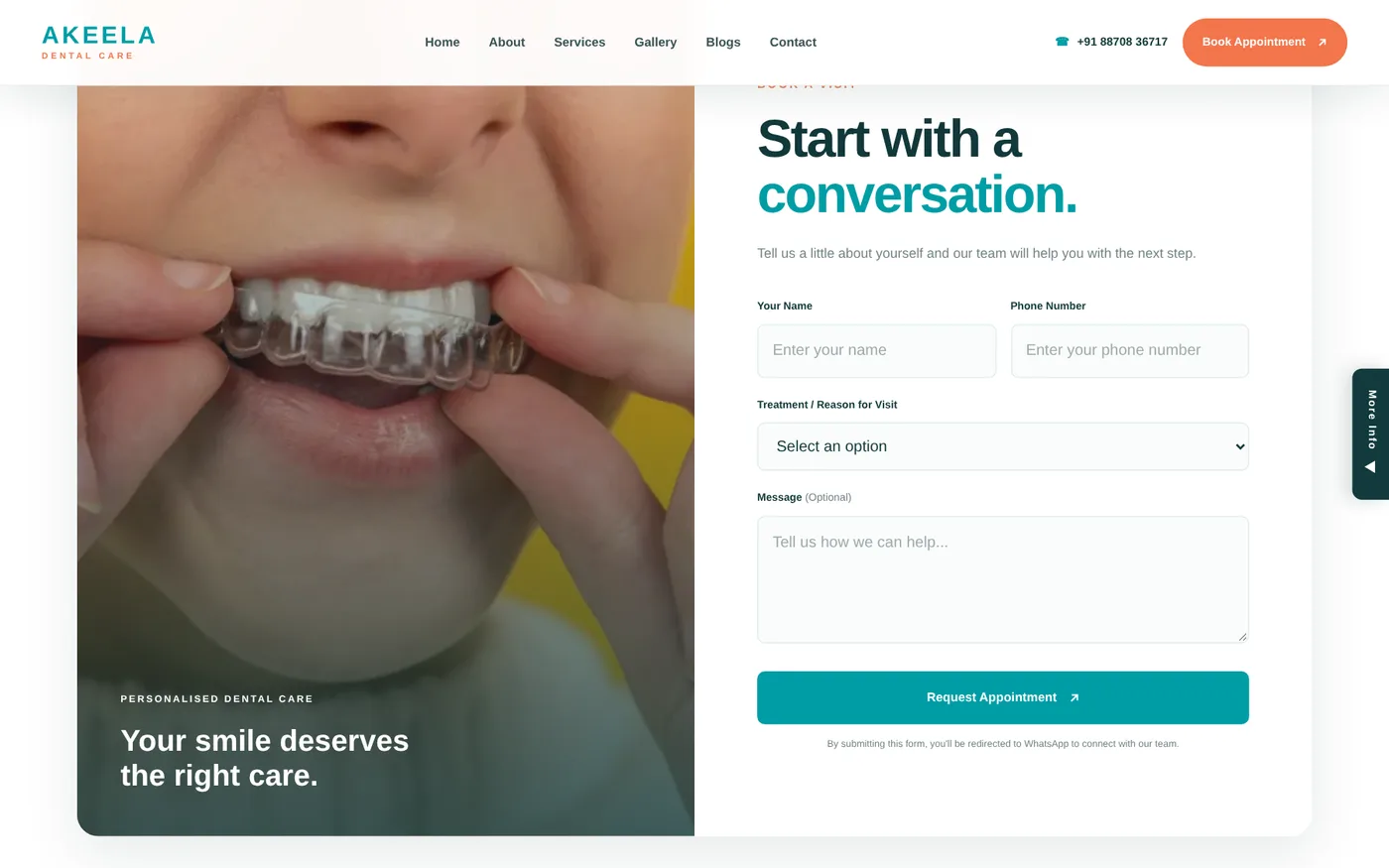
A four-field booking form
Name, phone number, treatment and an optional message. That's all the clinic needs to confirm an appointment.
WhatsApp opens with the request filled in
On submit, WhatsApp opens with the patient's details already written. They just press send, and the clinic receives a complete request.
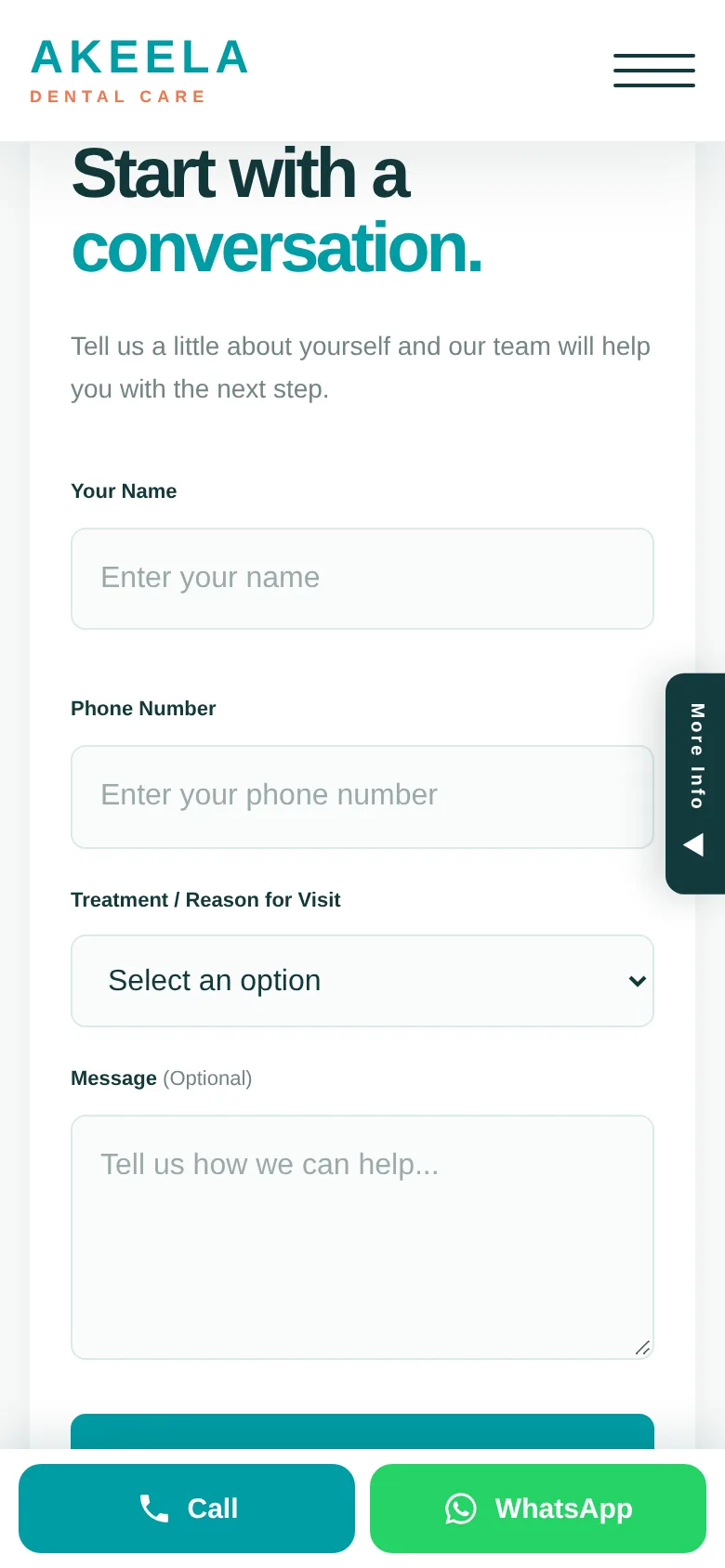
Booking from every page
A dedicated booking page, plus Book Appointment, Call and WhatsApp buttons that stay on screen on mobile, so patients can book the moment they decide.
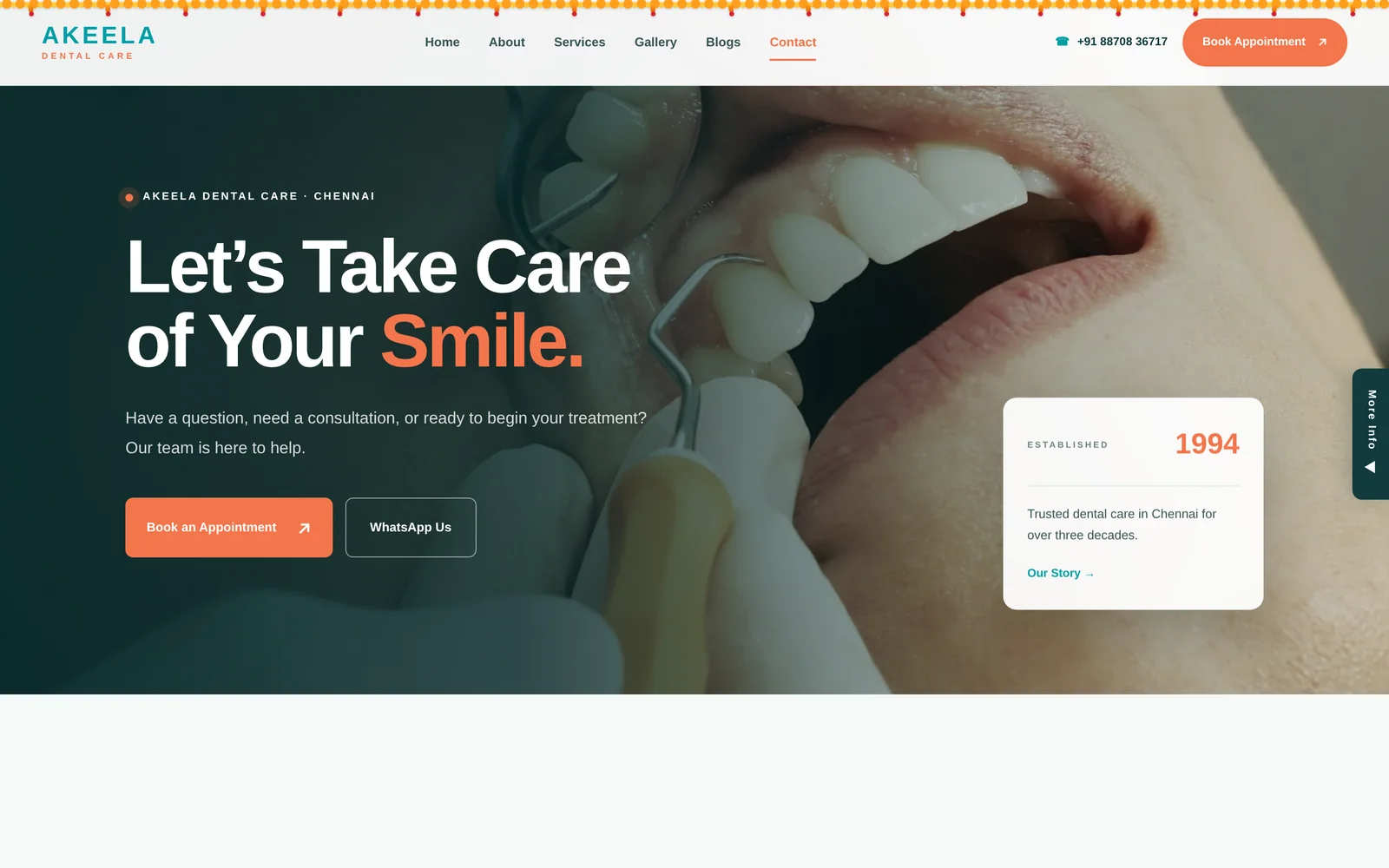
What changed
- Every appointment request arrives on WhatsApp with name, number and treatment
- The team confirms bookings in one reply, without calling back
- No missed enquiries during busy clinic hours
- Nothing new for patients to install or learn